Accessibility • Product Design
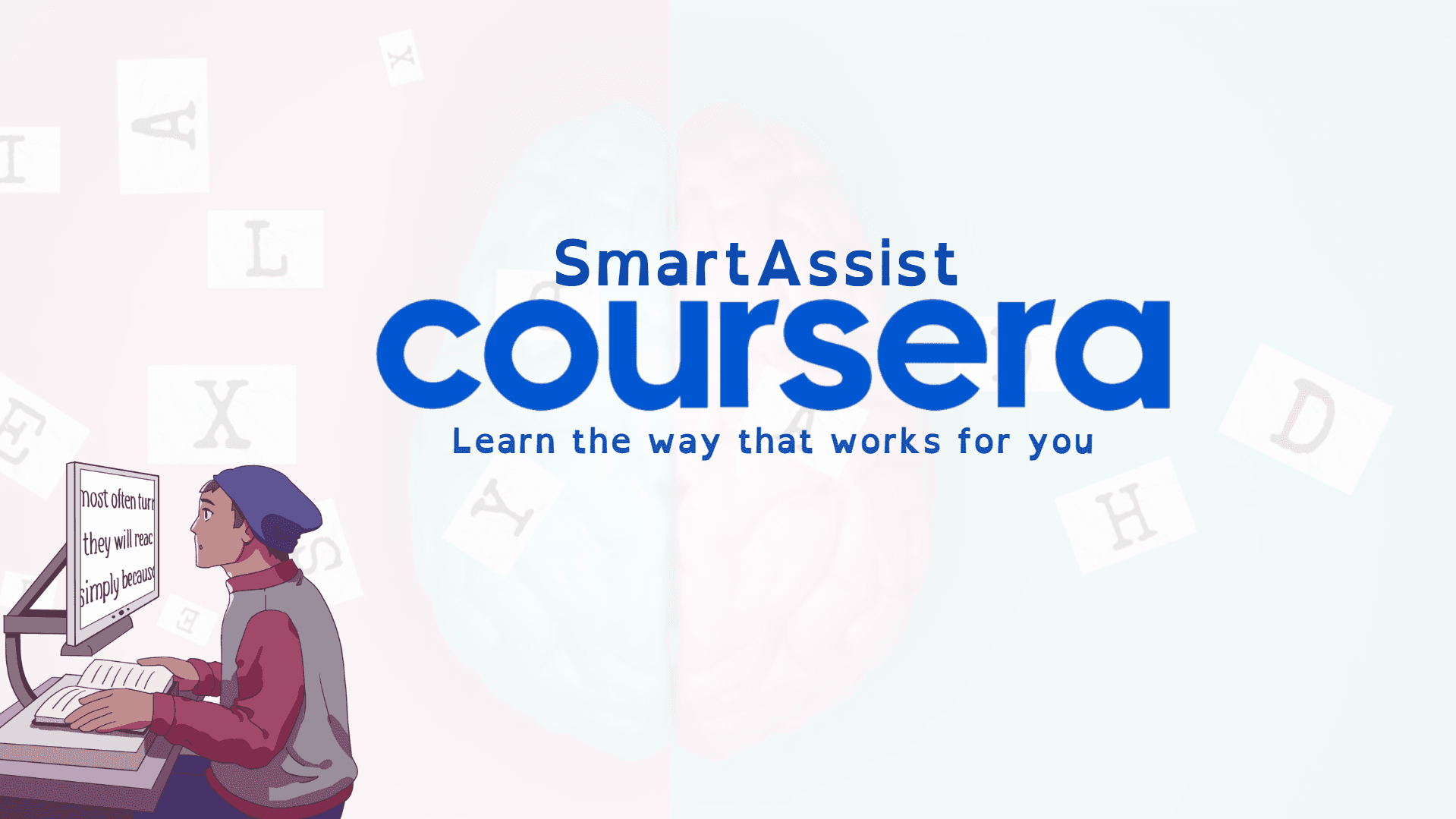
Coursera SmartAssist
No-code accessibility initiative making online learning inclusive for neurodivergent learners.
At a glance
Problem: Traditional e-learning platforms overload neurodivergent learners with dense content, uniform pacing, and low personalization.
Role: Product Strategy & UX Design (accessibility-first product feature)
Impact: 4 core accessibility features designed • 3 cognitive accessibility profiles created • 100% no-code implementation approach
Overview
SmartAssist is a no-code accessibility initiative built to make online learning more inclusive for neurodivergent learners, particularly those with ADHD, dyslexia, and autism. Traditional e-learning platforms like Coursera often overload students with dense content, uniform pacing, and low personalization. SmartAssist bridges this gap by layering adaptive focus tools, customizable pacing, and cognitive-friendly interfaces directly into Coursera's experience.
Problem Statement
- Neurodivergent learners, especially those with ADHD and dyslexia, struggle with cognitive overload on platforms like Coursera.
- Scrolling through endless content, battling distractions, and trying to decode dense material made learning feel like a test of endurance.
- Traditional platforms lack personalization and adaptive features that accommodate different cognitive needs.
- Accessibility was treated as an add-on rather than a core product feature.
Goals & Success Metrics
- Empower every learner to thrive on Coursera regardless of cognitive differences.
- Reduce cognitive overload through adaptive focus tools and customizable interfaces.
- Increase engagement and completion rates for neurodivergent learners.
- Create personalized, accessible, and supportive digital learning experiences.
- Validate accessibility as a product feature, not an afterthought.
My Role & Responsibilities
- Identified the accessibility gap in online learning platforms through user research and observation.
- Designed Cognitive Accessibility Profiles with lightweight settings for personalized content consumption.
- Created core features: Focus Mode, Display Flexibility, Custom Pacing, Interactive Flashcards, and Accessibility Profiles.
- Developed product strategy positioning accessibility as a core feature rather than an add-on.
Discovery & Insights
- Online learning, despite being flexible, often leaves behind the very people it claims to empower.
- Neurodivergent learners need adaptive focus tools, customizable pacing, and cognitive-friendly interfaces.
- Accessibility shouldn't be an add-on—it should be a product feature.
- Learners want to choose how they consume content, not be forced into a one-size-fits-all experience.
- Small adjustments like font styles, colors, text spacing, and chunked content can dramatically improve learning outcomes.
Solution
- Focus Mode: Toggle distractions off with audio-visual relaxation cues, hiding sidebars and UI noise.
- Display Flexibility: Adjustable font styles, colors, and text spacing for dyslexia-friendly reading.
- Custom Pacing: Break large lectures into smaller, cognitively digestible chunks for improved focus.
- Interactive Flashcards: Reinforce memory retention through active learning.
- Accessibility Profiles: Save personalized preferences for future sessions, allowing learners to toggle, combine, or save preferences.
- Smart Reminders: Send tailored study nudges based on pacing and activity.
Execution
- Introduced Cognitive Accessibility Profiles as lightweight settings that let learners choose how they wanted to consume content.
- Designed Focus Mode to hide sidebars and UI noise for better concentration.
- Created Reading Comfort Mode with dyslexia-friendly fonts and color contrast.
- Implemented Chunk Learning to divide lectures into bite-sized segments.
- Built a system where learners could toggle, combine, or save preferences, making Coursera feel like a personal coach rather than a one-size-fits-all platform.
Results & Impact
- Designed 4 core accessibility features addressing different cognitive needs.
- Created 3 cognitive accessibility profiles (Focus Mode, Reading Comfort Mode, Chunk Learning).
- Developed a 100% no-code implementation approach for rapid deployment.
- Positioned accessibility as a product feature, not an add-on.
- Demonstrated how small, thoughtful design changes can make learning more inclusive.
Key Learnings
- Accessibility is a product feature, not an add-on—it should be designed into the core experience.
- Personalization and choice empower learners to thrive in ways that work for their cognitive differences.
- Small adjustments (fonts, spacing, chunking) can have outsized impact on learning outcomes.
- The best accessibility solutions are flexible and allow users to customize their experience.
- Observing user struggles can reveal opportunities to create more inclusive products.
What I’d Improve Next
- Conduct user testing with neurodivergent learners to validate and refine features.
- Expand accessibility profiles to include more customization options.
- Add analytics to measure engagement and completion rates for different accessibility modes.
- Explore AI-powered personalization that adapts to individual learning patterns.
- Create a feedback loop to continuously improve accessibility features based on learner needs.
Want the full story in context?
I’m happy to walk through decisions, metrics, and execution details.